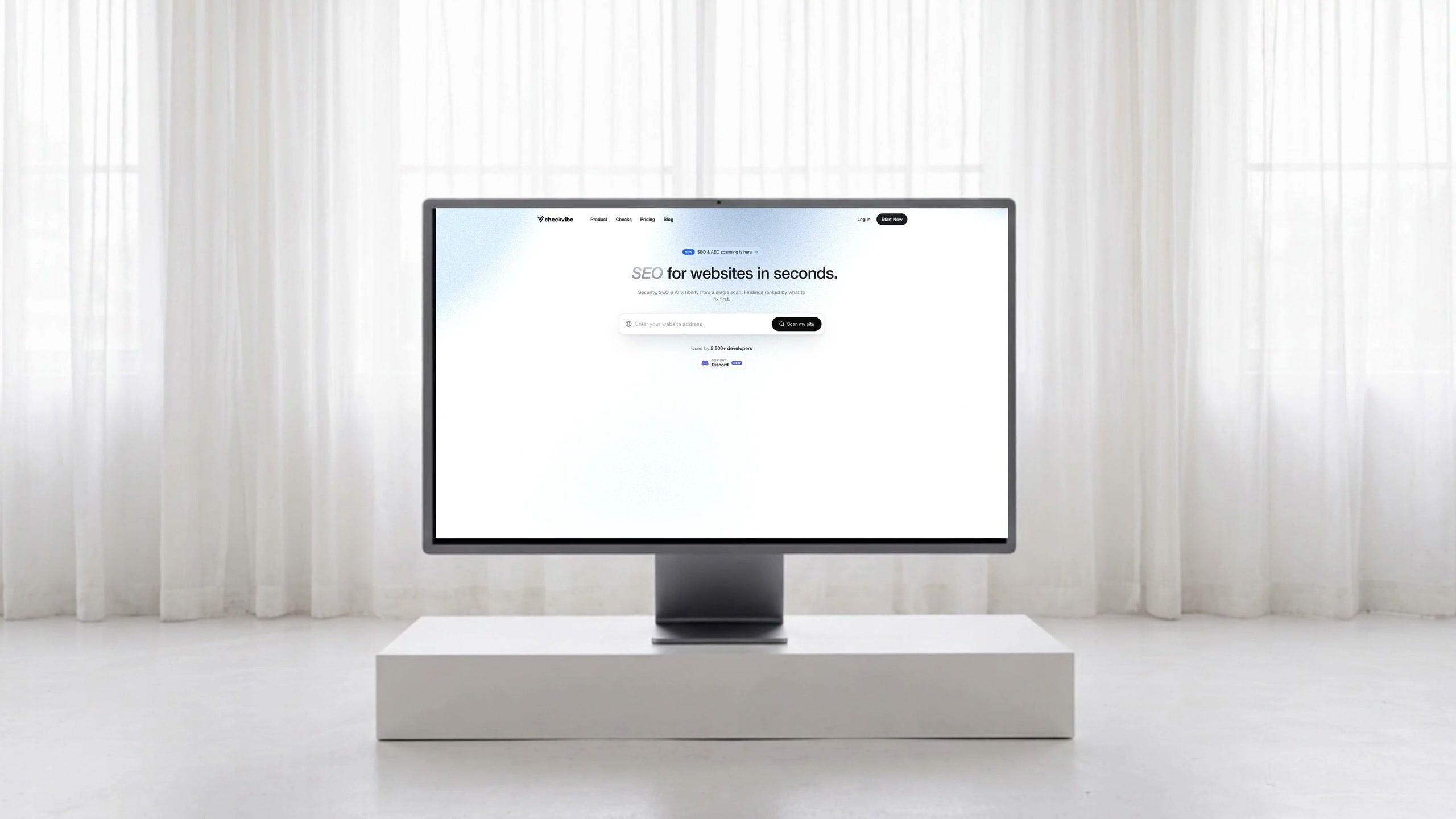
Secure everything you build, ship and run
One scan across your site, code, cloud and containers. Each with a fix.
Used by 7,000+ developers
Join ourDiscordNewOne scan across your site, code, cloud and containers. Each with a fix.
Used by 7,000+ developers
Join ourDiscordNew

 Cursor
 Windsurf
 VS Code
 Codex
Codex
 Copilot
One report, ranked by impact.
Paste any URL — production, staging, or a vibe-coded prototype. Every check runs in parallel and comes back ranked, with a fix.
Link your GitHub repo and Supabase backend — CheckVibe scans them too, not just the public site.
Plug CheckVibe into Claude, Cursor or any agent over MCP — or call the REST API directly.
Every finding becomes a copy-paste prompt — hand it to Cursor, Claude or any agent and it fixes itself.
AEO scanning, live threat detection and uptime monitoring — all in one dashboard.
One URL, every layer — security, SEO, AEO, performance, accessibility, compliance and more.
Watch it, defend it, get it found.
A clean report is just the start. CheckVibe keeps watch on your live site and gets verified products in front of AI.
Buyers now ask ChatGPT, Claude, and Perplexity what to use. CheckVibe scans your site the way an answer engine reads it, and shows you exactly why you’re getting left out of the answer.
Run an AEO scanWatch real attacks hit your live site the moment they happen: credential stuffing, scraping, and injection probes, each with the attacker’s IP and an email alert within minutes.
60-second uptime probes with down-and-recovery alerts within minutes and a public status page. You hear it from us, not from an angry customer.
Every pillar runs against your live site. No agents, no code changes.
100+ security probes, crawl and Core Web Vitals runs, uptime and compliance checks. Ranked by impact, each with a fix.
Overall health · 3 to fix
Scan any stack out of the box, connect GitHub and Supabase for deeper audits, and pull findings into Claude, Cursor or any MCP client.
One subscription. Eight tabs closed.
Every report below comes from the same scan and lands in one dashboard.
Site health use cases by builder type.
Scan the vibe-coded app before real users and real attackers arrive.
Cursor and Claude write the code; CheckVibe confirms it is safe to ship.
See why ChatGPT and Perplexity skip you, then fix what keeps you invisible.
Every finding ships with a remediation you hand straight to your AI editor.
Real scans on real vibe-coded sites, in their words.
Cursor writes most of my code and I kind of just assume it works. I had no real way to tell if any of it was secure. Scan came back with four criticals.
The report is just the start.
Wire CheckVibe into the way you already work.
24 tools. Run scans and pull findings from Claude, Cursor or any MCP client.
Connect GitHub and scan the code behind the site: SAST, secrets, dependencies.
CheckVibe re-checks your site on a schedule and emails you the moment something new turns up.
Every report as PDF and Markdown, built for handoffs and paper trails.
Registration runway, registrar locks, DNS resilience and certificate expiry — caught before they bite.
Every scan is kept. Watch the count come down as things get fixed.
Yes. Checks are read-only probes of what is already publicly reachable. Nothing is written, submitted or modified.
Every scan runs 100+ security checks (vulnerabilities, exposed secrets, headers, CORS, CSP) plus a full SEO audit and an AEO audit that tests whether ChatGPT, Claude and Perplexity can read and cite your site — all in one pass.
No. Paste a URL and the scan runs against your live site. Connecting GitHub for code scanning is optional.
Answer Engine Optimization: whether ChatGPT, Claude and Perplexity can find, understand and cite your site when people ask them questions.
Paid plans unlock the full findings with paste-ready fixes, continuous monitoring with alerts, scheduled re-scans and API access. Plans scale with how many projects and scans you run.